


Since a lot of us spend half of the day glued to our mobile phones, and the other half having them within reach, it’s worth considering the idea of phone safety. Phone safety refers to how you can keep your personal information, and your location private, at all times. Due to the fact that pretty much any phone these days can act as a beacon emitting your location to the world through GPS tracking, it’s prudent to read up on how you can prevent disclosing too much information about yourself. On top of location tracking services, phones can act as a gateway to all of your personal information. Whether you have such information stored in your notes (you probably shouldn’t) or in social media accounts or messages with people you trust, there is always a risk that it could be compromised. In order to help you protect your personal data and stay safe with your technology, we’ve compiled this list of actionable steps you can take right now towards a more secure relationship with your phone. You can stay safe online with our guide, and with the following steps.


Phone Security Measures
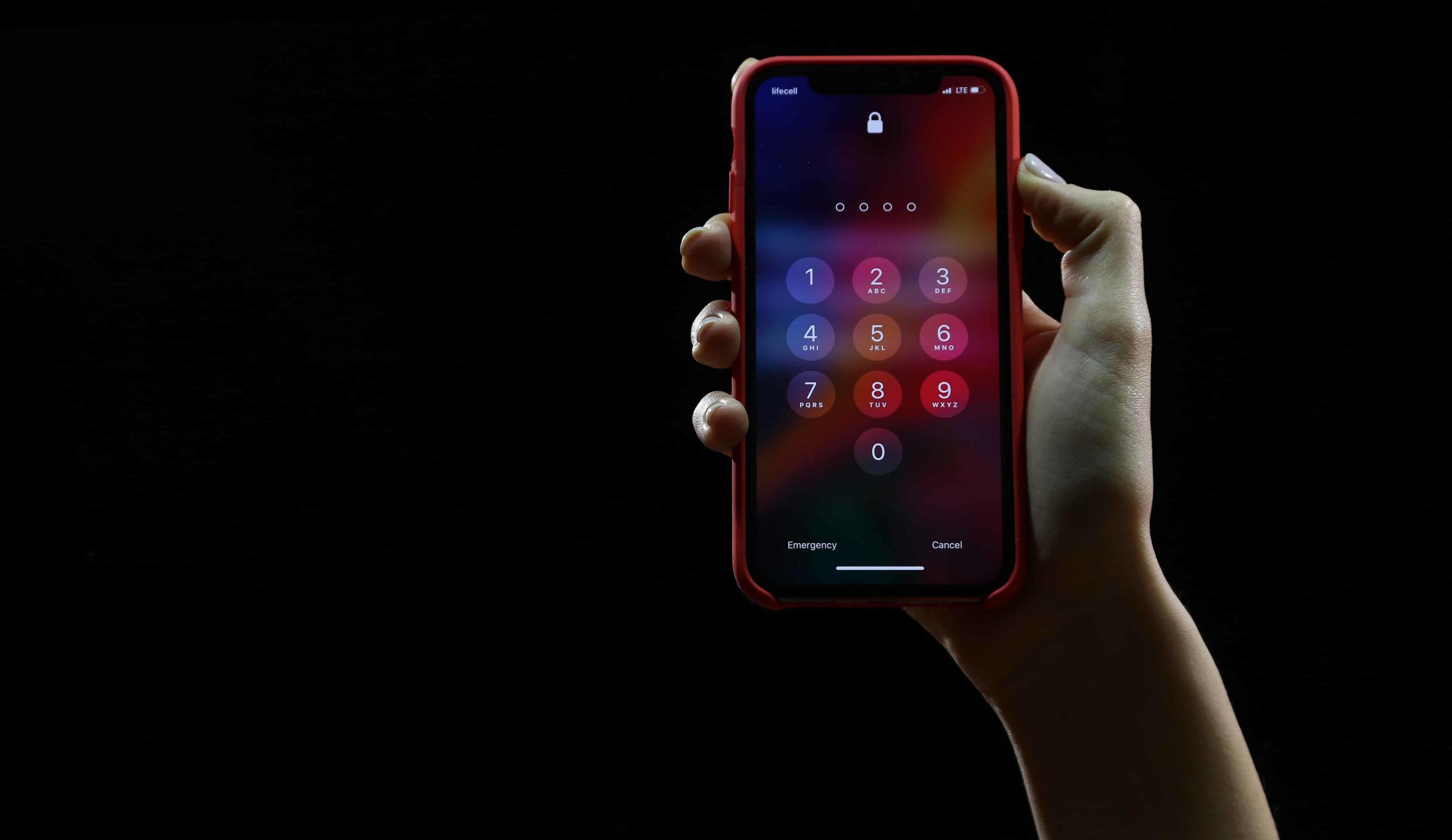
Setting up a passcode is essential.
Create a Passcode
It sounds obvious, but the first thing you should always do with your mobile phone is set up a passcode. The passcode is a simple, but effective security measure, which will keep your data safe in the presence of nosey acquaintances or anyone else who gets their hands on your device. Say you leave your phone on the table somewhere, or lose it while you’re out and about, you will feel much better about it knowing that there’s a passcode between a stranger and the information held on the device. Even if you leave your smartphone unlocked, the damage someone can do will be limited if you have a passcode in place. They won’t be able to access your private accounts, nor download Angry Birds onto your phone without your consent. When possible, choose the more complex option when it comes to creating a passcode. Just like with a password, the longer a passcode is, the harder it is to crack. Take care with the passcodes that require a specific movement to unlock, since these can be relatively easily replicated by anyone who sees you do it. Here is how to ensure online safety!
Deactivate These Features
Smartphones these days are full of features. Some exciting, some redundant, and some downright scary at times. Location Sharing Location sharing falls into the latter category. Ever taken some photos in your back garden, only for your phone to categorise them under the name of your hometown without you asking it to? That’s because phone’s are equipped with the latest in GPS technology, which allows them - and phone companies - to know where we are at all times. Since we tend to always have our phones on us, it can seem like there’s no escaping it. What’s more, this location sharing feature will give away your location to any apps you decide to download on a whim. That could be bad news, since there’s something unsettling about the fact that dozens of companies essentially have access to your exact location at all times. However, don’t worry, there is a simple fix: turn off the location sharing setting. LifeHacker has a great article on how to turn it off in case you were wondering. Once you’ve done this, you’ll not only be grateful for the extended battery life, but you’ll also feel a lot safer in the knowledge that your every move isn’t being tracked.
Bluetooth
Once you’re satisfied that you aren’t giving away your location to everyone who’s interested, the next feature you should turn your attention to when it comes to phone safety, is bluetooth. Something which is always activated, yet rarely used, it’s worth asking yourself if you really need to have your bluetooth turned on all the time. Bluetooth is great for pairing your phone with your car to play music, or linking up to your headphones so you can go wireless for your workouts, but it also opens the doors to other people. By that I mean, people can access your phone via Bluetooth. If you have it on at all times, you’re essentially inviting people to try and hack into your phone. The best solution to this, is to keep it turned off. Of course, there will be moments where you want to use it, which is fine, but when you’re not make sure to switch it off again. Think of it as a light in your home. Turn it on when you need to use it, then switch it off again when you don’t. Learn about cyber bullying here.
Check your Privacy Settings
Lastly, regarding easily fixed security issues with your phone, you should review your privacy settings, and make sure they are to your liking. Acting as a safeguard against potential security issues, the privacy settings are there to help you take control of your phone safety, and stay on top of any threats. The main things you can do through the privacy settings will be related to the apps you've downloaded. By restricting the access they are granted, you will be able to feel more at ease, and give away less personal information.
Monitor Online Accounts and Social Media
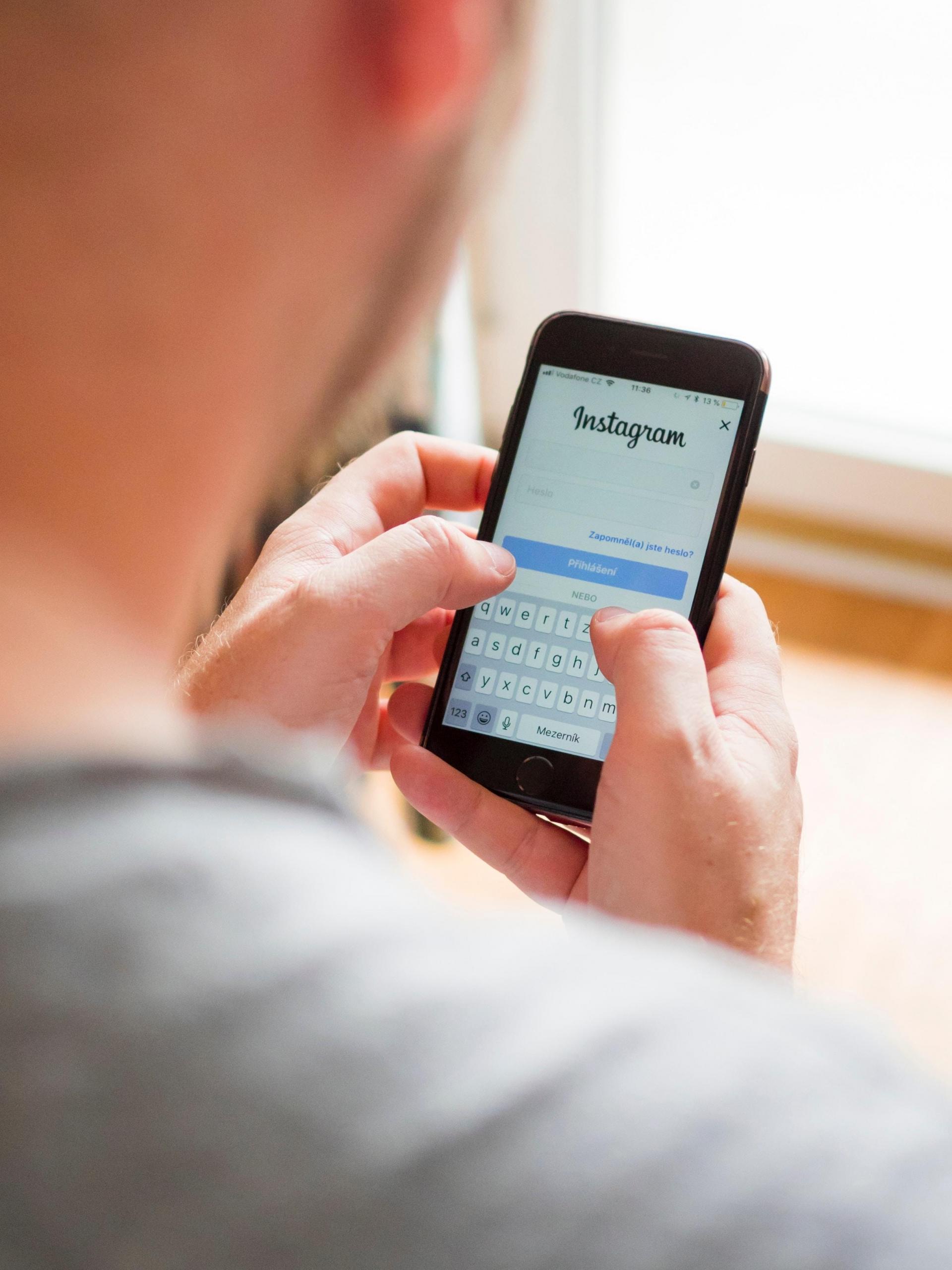
Keep tabs on your online accounts.
Limit App Downloads
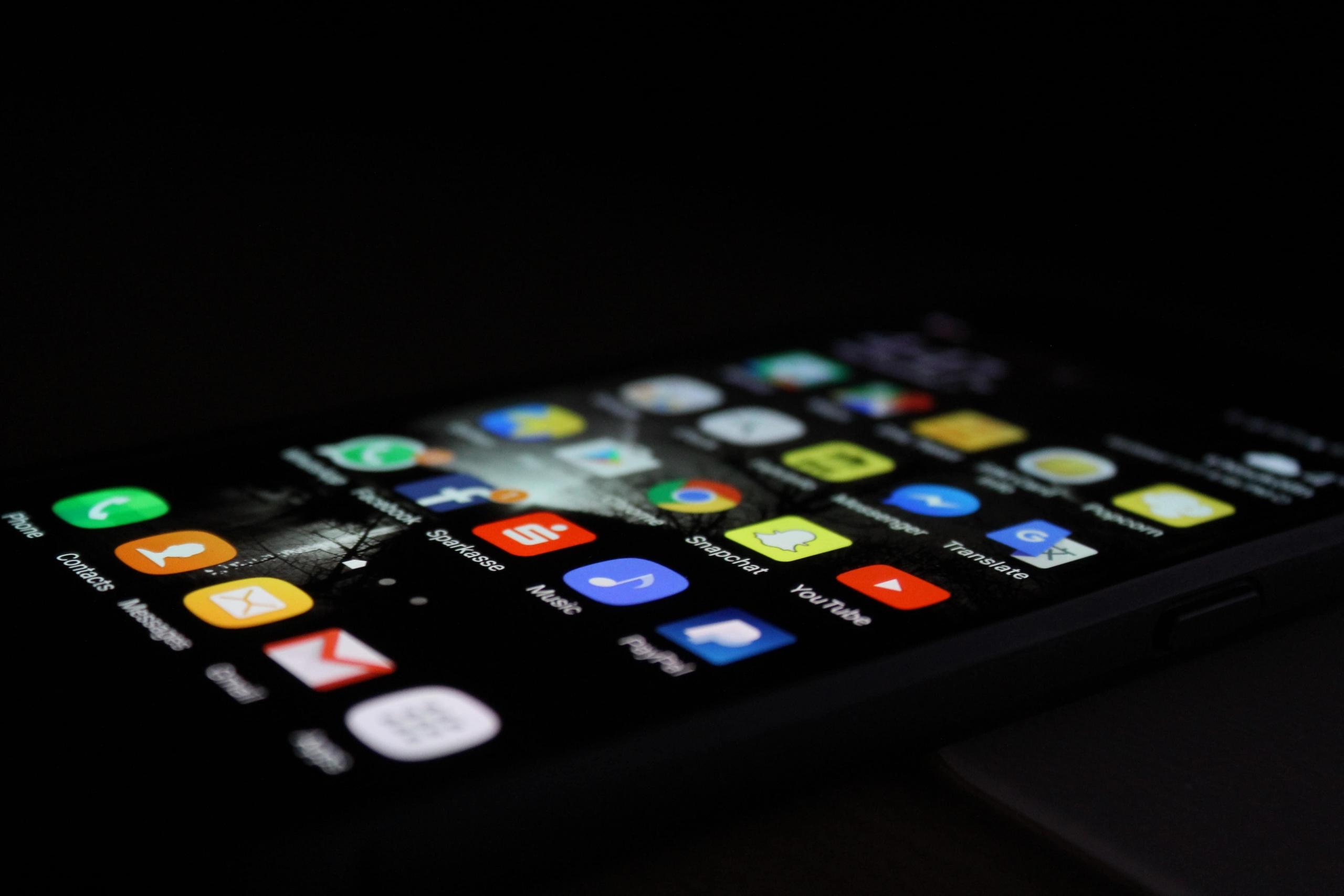
Apps are great, but think before you download.
Think Before You Write
Aside from calling, texting, and generally keeping up with people, another reason we want our phones with us at all times, is to take notes and store useful information. For example, you’re on the bus and you’ve just remembered something really important you have to do when you get home. What do you do? Write it in the notes application I imagine. This is all well and good until it comes to sensitive information. Just like you shouldn't really write down your credit card PIN number, or your passwords on paper, you shouldn’t write them in your phone either. As incredibly convenient as it is to have all of the important information you need at your fingertips, it’s never a good idea to have such information somewhere people can find it. All you’d have to do is lose your phone, leave the bluetooth on a moment too long, or be unfortunate enough to have it stolen, and all that information will be compromised. This applies to messages too. If you’ve ever sent personal information like bank details or your home address out to friends or family, then you should go back and remove evidence of these interactions, to preserve your data. The gist of it is, only store on your phone what you wouldn’t mind someone seeing should push come to shove. If you follow this rule, then you shouldn’t have any problems with phone safety. Find out about internet safety in general.
Summarise with AI:
Did you like this article? Leave a rating!

 Loading...